
No more pen & paper.
Pimbury Dental make drawing and creating your visual dental chart easier and quicker with or host of drawing tools and icons. As well as being able to move and remove teeth and other elements from your chart.
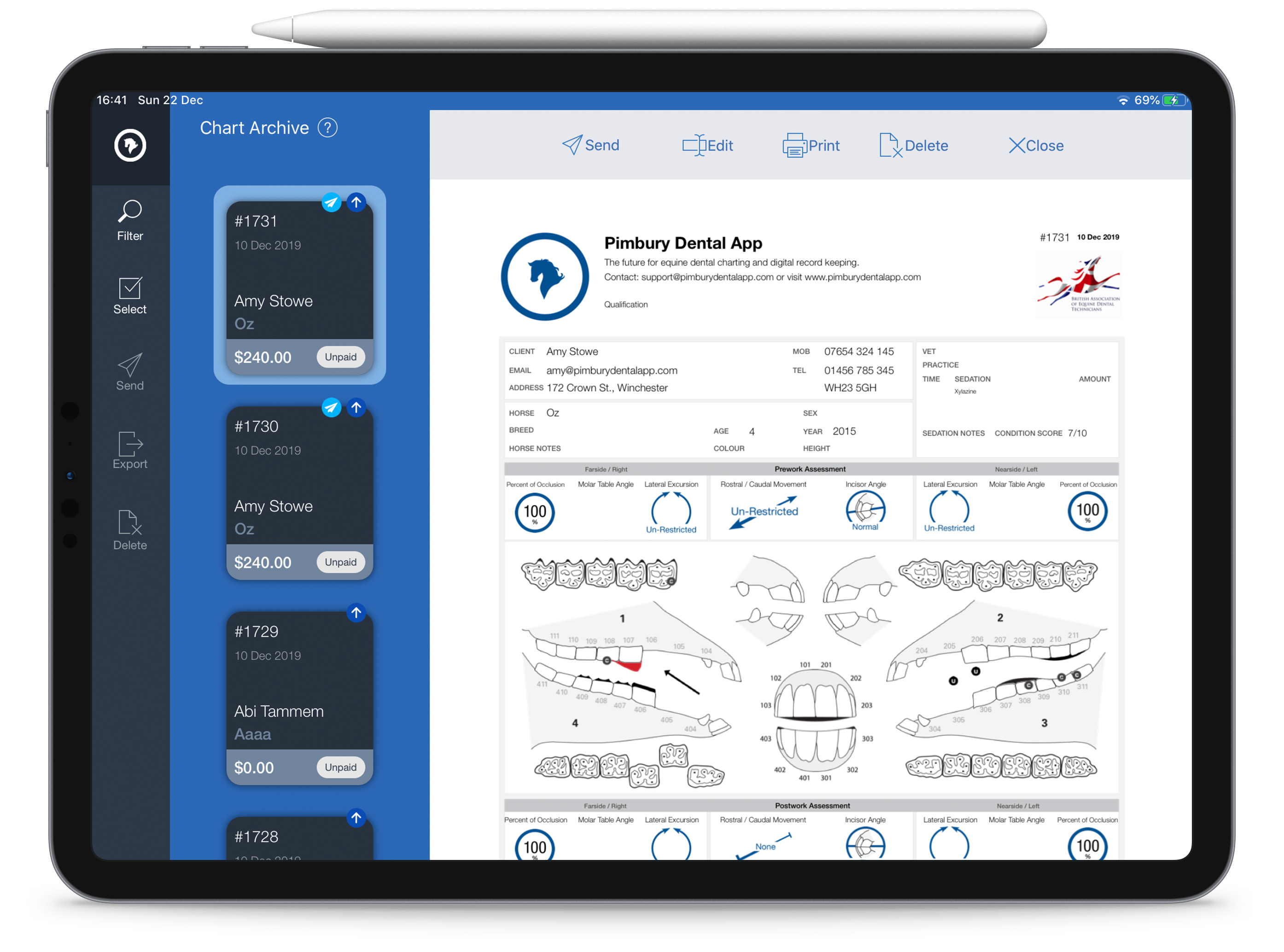


Free Drawing Tools
Using the Pencil tool easily draw any abnormality you find, with 4 colour options: Black, Red, Blue and Green. Also use the Flood Fill and Eraser, Line, Circle and Arrow to improve your drawing

ATR / ETR
Apply the ATR/ETR icon to all molars and premolars with a single tap

Sharp Edges / Enamel Points
Commonly used this abnormality can be applied to the molar and premolar arcades with a single tap. This tool can display focal overgrowths on either the profile view of the arcades or the occlusal and also on the buccal or lingual/palatal aspects.
Ramps
A standard ramp icon can be applied to teeth: 6’s or 11’s
Hooks
Simple hooks, just tap the tooth. Available for teeth: upper 3’s, 6’s and 11’s
Protuberant Teeth
Tap a tooth once for protuberance, again to reduce tooth height, and again to remove the tooth. Tapping again shows the standard tooth again

Technical Support
Looking for assistance with your account? Send us an email at: support@pimburydentalapp.com


Knowledge Base
Search our knowledge base for guidance on using Pimbury Dental
Contact Us
Made & Designed in the UK Copyright © Pimbury Apps Ltd
Privacy Policy
Terms & Conditions